Motion
Flow doesn’t wait to be asked.
Motion is the intelligence inside Flow — not a tab, not an assistant you go and talk to, and not something you add on. It is how Flow reads what is happening in your business, prepares the admin that follows, and holds it for you to approve.
There is no version of Flow without it, which is why it has no price of its own and nothing to upgrade to.
What it actually does, in order
Six things, and the order matters — because the fifth one is where it stops.
SensesWork arrives in the form it actually happens in
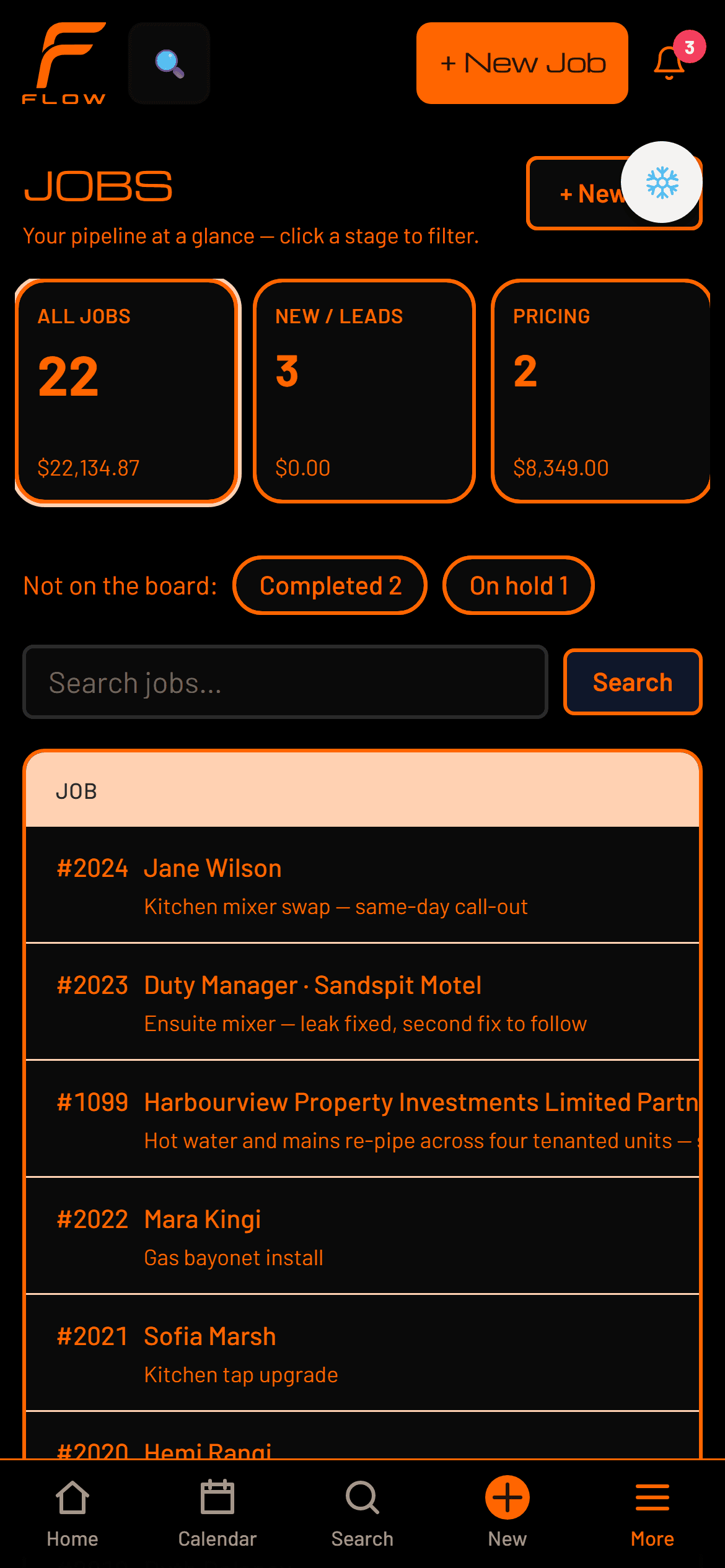
A voice note from the van, a photo of a rating plate, a supplier bill, a PDF work order. Flow takes the thing you already have rather than asking you to type it in again.
UnderstandsIt reads the operation, not just the document
Which trade this is, which job type, which customer, what the job still needs before it can close, and what is quietly going wrong across the rest of the week.
PreparesThe work gets done before you ask for it
The quote priced against your rates. The follow-up written. The reminder drafted against the right job. The confirmation ready for tomorrow's visit.
HoldsAnd then it stops
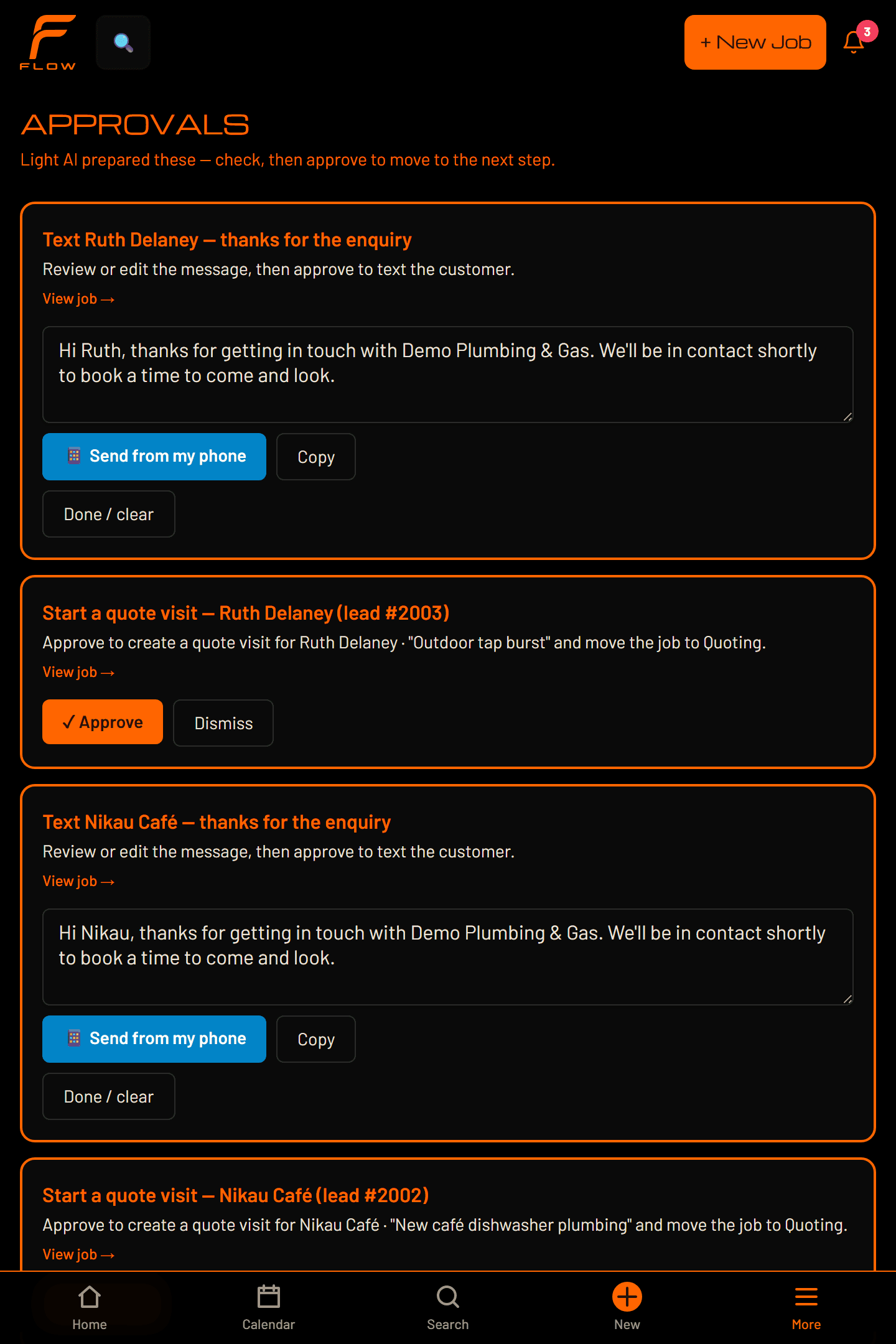
Prepared work goes into a queue with your name on it. That is the end of what Flow does on its own, unless you have told it otherwise.
Waits for approvalNothing reaches a customer without you
Approve it and it goes. Dismiss it and it doesn't. What Motion may do in one area of the business and not in another is a permission held in the software, not a promise in a policy.
Learns your operationIt fits you, without training on you
The rules you set and the way you reword its drafts are kept as context and handed back to it next time. Motion never retrains a model — this is memory, not a fine-tune.
01 · Senses
It takes the work in the form you already have it
The reason admin piles up is that every system wants the job retyped into it. Flow takes what already exists.
Voice
Say what happened and it is captured, or ask for a record and Flow opens it.
Photos
Site photos read for what is actually in them.
Documents
Supplier bills and PDF work orders read into line items.
Workflow context
The state of the job itself — where it is, what it still needs, what is late.
Talk to Flow without stopping the work
Capture information, open records and prepare actions by saying them. Built for a phone in a wet hand halfway up a ladder — in the office you type, because nobody dictates to a computer in a room with other people in it.
Capture is immediate; anything that changes something becomes a proposed action you confirm first. Saying it out loud does not make it an exception to the approval rule.
02 · Understands
It is watching the operation, not reporting on it
A dashboard tells you what happened. These read what is happening now, and each one is something you switch on rather than something that arrives switched on.
03–05 · Prepares, holds, waits
The intelligence is shared. The permissions are specific.
This is the part worth understanding properly, because it is what makes handing admin to software a reasonable thing to do. Motion is one intelligence reading one operation. What changes between one area of the business and another is not how much it understands — it is what it is allowed to do.
Those boundaries are in the software, not in a policy document. Permission is granted per action, it starts at ask-me-first, and it only moves when you move it.
Monitor, notice, flag
Watch
It reads the operation continuously and raises what needs attention — work slipping, a week overbooked, money outstanding, a risk logged on site. Watching never contacts anyone.
Draft, recommend, organise, queue
Prepare
It does the work before you ask: the quote priced against your rates, the follow-up written, the reminder attached to the right job. Prepared work waits in a queue with your name on it.
Update or carry out permitted actions
Act
Where you have allowed it, Motion carries the action out inside Flow — updating a job, scheduling work — and writes down what it did. Anything customer-facing is not on this path.
Approve, edit, dismiss, set boundaries
Control
Approving is one action and dismissing is one action. Permission is granted per action, it starts at ask-me-first, and it moves when you move it.
Nothing reaches a customer without this
The kinds of message it can draft are specific, not a category: quote follow-up, invoice payment reminder, confirm upcoming visit, thank you / job complete, re-engage a quiet customer, ask for a review, final overdue notice and visit running late.
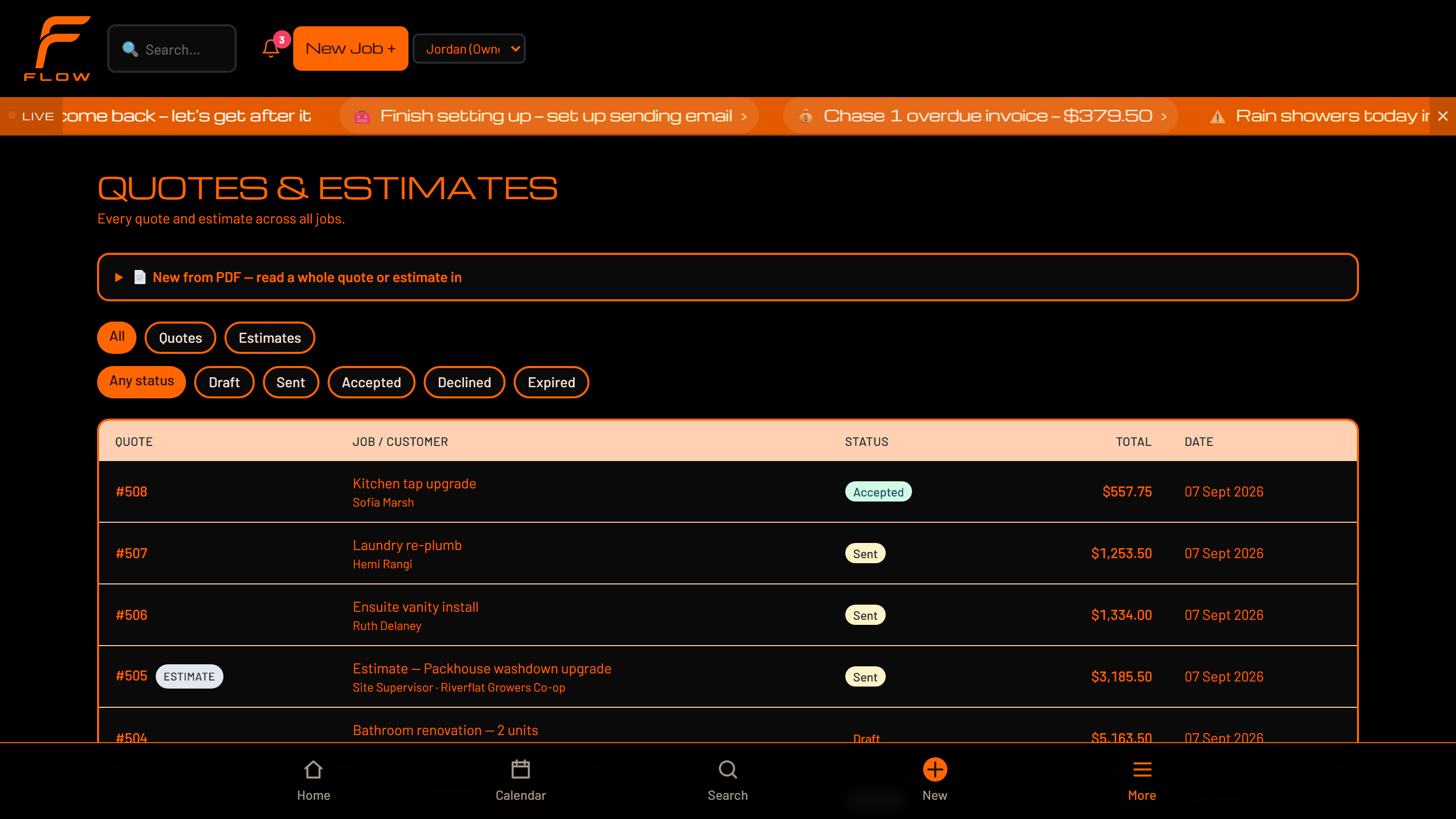
How much it does on its own is yours to move
The default is the cautious setting. Move the control and see exactly what changes for three real pieces of work — and where Flow stops in each case.
At this setting Flow goes as far as: Held for you.
The default. Motion does the work and stops at the last step — everything waits in approvals with your name on it.
- A quote goes cold
- A follow-up is written and waiting. You read it and send.
- An invoice goes overdue
- A reminder is drafted against the right job and held.
- The team is running late
- A text to the customer is ready before you've thought of it.
06 · Learns
It fits your business without training on it
Two things make Motion sound more like you over time: the rules you set — sign the texts off this way, never offer that — and the edits you make to a draft before approving it. Both are kept and handed back to it next time.
What does not happen is retraining. Your jobs, your customers and your wording are not folded into a model. They are context, held in your own isolated Flow environment, used to make the next draft sound like you wrote it. That distinction matters, so it is stated plainly rather than left vague.
It also means the improvement is legible. If Motion keeps getting something wrong, the fix is a rule you can read and change, not a black box you have to wait out.
Why you can let software do this in the first place
Handing admin to a system is a real decision, and it deserves better than a badge. Here is how Flow is built, which is the only kind of reassurance worth anything before you’ve used it.
Nothing reaches a customer unapproved
Flow's agents are split in two. The ones that write to customers only ever draft — the message waits for you. The ones that watch the business never contact anyone at all; they raise a flag and stop. That split is in the software, not in a policy document.
It writes down everything it does
Every action Motion takes on your behalf gets a line in a log you can read — raised an invoice, drafted a quote, scheduled a job, added a note. Not an alert to dismiss. A record you can check afterwards.
Your data stays isolated
Your business data stays isolated and access-controlled — your work is not something other businesses can reach, and who can see what inside your own team is set by role. It is also why there is no instant signup button on this site: an environment is set up with you rather than provisioned in a click, and we would rather explain that than pretend otherwise.
You can always take the wheel
Any step Motion handles can be taken back by hand without leaving the job, and the whole thing turns down to suggestions only. The default is the cautious setting; you move it when you're ready, not when we are.
Your numbers stay yours
Invoices push to Xero, so your accounts stay where your accountant already works. Flow holds your operation, not your books.
No customer logos, no star ratings, no uptime percentage. We haven’t earned those yet, and a site that invents them tells you exactly how the software will behave.
Watch it prepare a job you actually recognise
Twenty minutes on one of your own jobs. The most useful part is usually the bit where Flow drafts something and then stops.
Motion runs on the same architecture as the rest of Flow. See how the AI Workforce is built →